Get your room and team ready for a scoped installation.
A practical preparation checklist for medical and veterinary DR purchases.
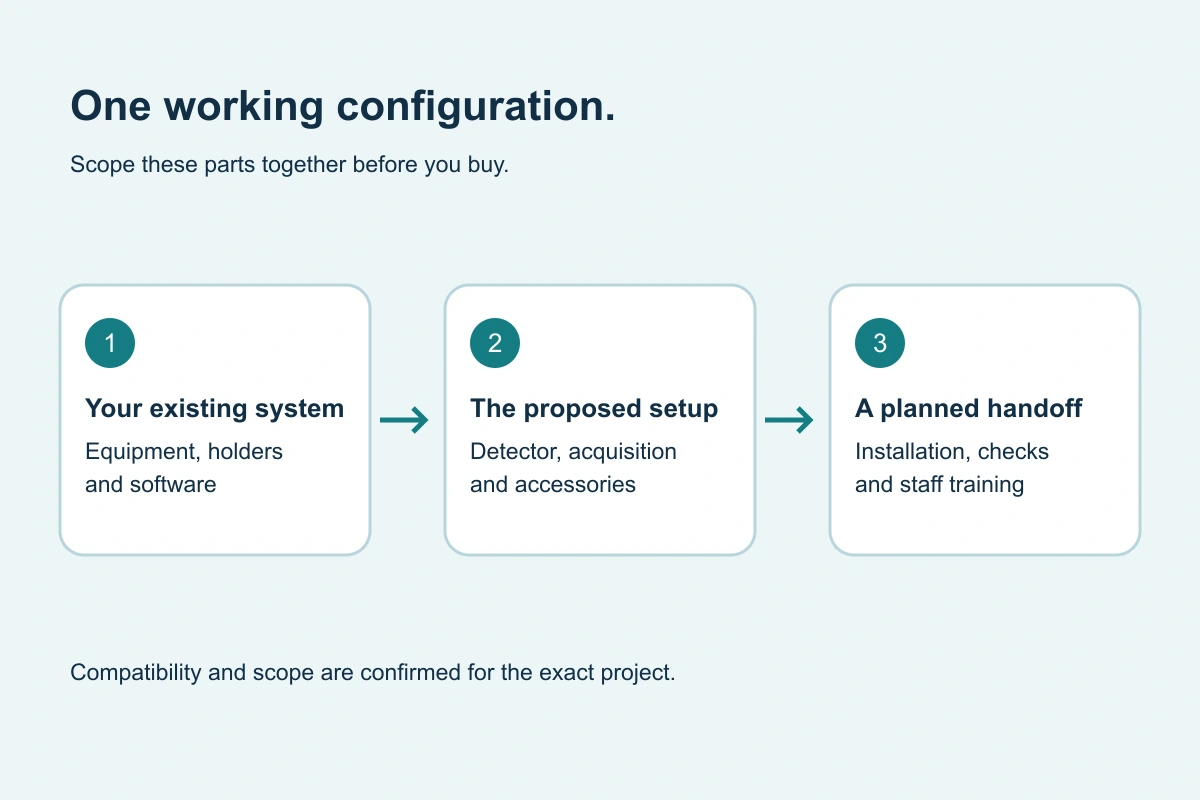
Original buying diagram; schematic, not installation instructions.
Before the configuration is confirmed.
Record the room or mobile unit make/model, generator, table/wall holder, existing detector and acquisition software. Confirm who owns the current software license and where studies are sent. State the facility ZIP, intended application and preferred timing.
Before the work is scheduled.
Agree who supplies the panel, workstation, software, network components and accessories. Identify the facility’s IT contact, access rules and delivery arrangements. Discuss any required site survey and the plan for imaging operations during the changeover.
- Equipment and holder information gathered.
- Detector, software and accessories named in the proposal.
- Delivery, room access and work window agreed.
- IT and image-transfer responsibilities assigned.
- Staff availability for operating handoff confirmed.
- Support contact and open items recorded.
At the handoff.
Ask the installer to explain the included commissioning checks and demonstrate the agreed workflow to the relevant staff. Obtain the supported operating and care documentation. Record any outstanding tasks, responsible parties and next steps.
Use this checklist with the installer’s model-specific requirements and your facility’s responsibilities. It is buying preparation, not an installation procedure or a substitute for qualified technical work.
After installation.
Keep the equipment details, software/license record, warranty terms and service route together. Make sure staff know how to raise a support question and what is included in the agreed support arrangement.