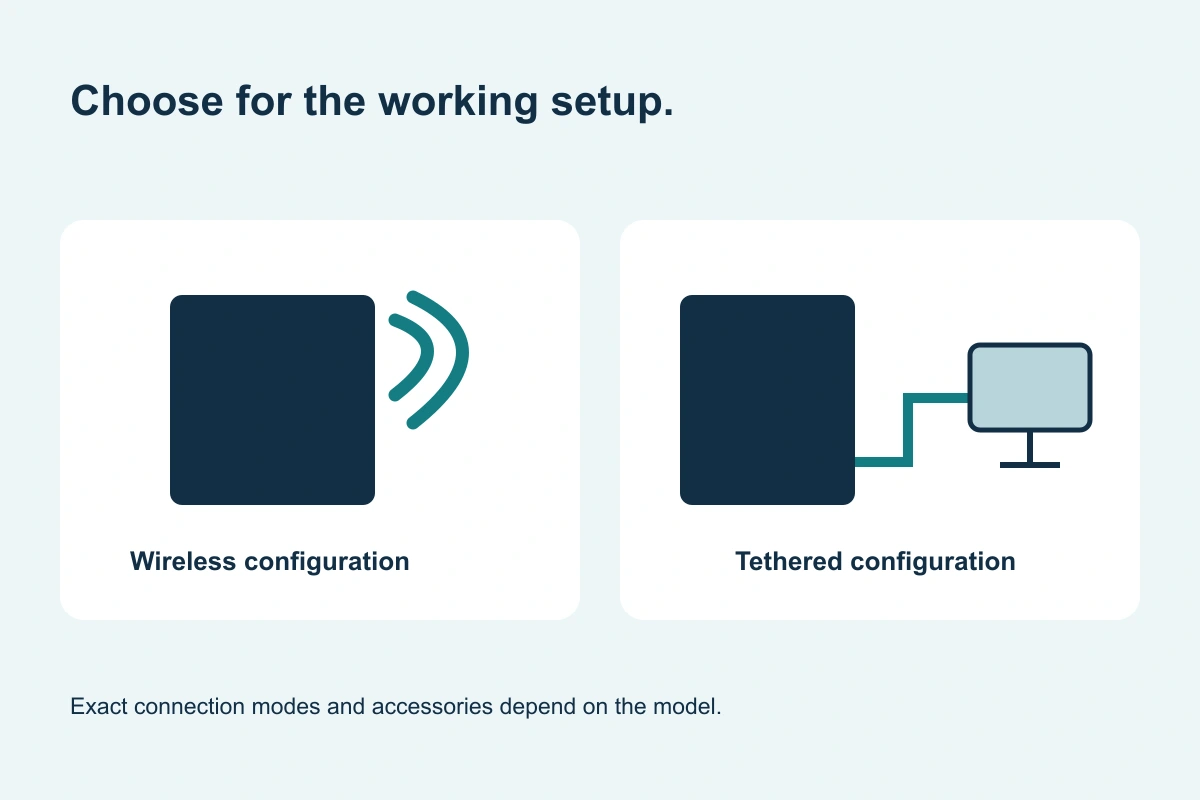
Original buying diagram; schematic, not installation instructions.
A tethered panel can suit a dedicated imaging setup.
Evaluate the installed position, cable route and software configuration before deciding on a fixed or wired detector.
 Get a DR Panel Quote
Start with how the detector will be positioned.
A tethered configuration uses a wired connection as part of its supported setup. It can be considered for a dedicated table, wall stand or other stable imaging position. Confirm whether the proposed panel is fixed, removable or designed to work in more than one connection mode.
If staff regularly move the panel, explain that workflow before choosing a configuration. A cable can affect positioning, storage and room movement, so the physical setup needs to be reviewed with the same care as the detector size.
Plan the cable route and holder fit.
Provide the table or wall-stand details, existing holder dimensions and the location of the workstation. Ask where the cable will run, whether movement or access is restricted, and which connectors and accessories are included. Avoid assuming that a nominal 17×17 panel will fit the existing holder.
Compare package scope rather than assuming a lower cost.
Price depends on the detector, software and installation. A tethered offer does not automatically include a workstation, license or commissioning. A wireless detector configured with a cable is also different from a dedicated tethered package; compare the exact model and included operating modes.
On small screens, scroll the table to compare every column.
| Priority | Tethered discussion | Wireless discussion |
|---|---|---|
| Dedicated position | Holder fit and cable management | Holder fit and charging routine |
| Frequent repositioning | Cable reach and handling | Supported connection and battery workflow |
| System integration | Software and interface compatibility | Software, interface and wireless setup |
Review compatibility questions before requesting your quote.
Questions before you buy
No. Fixed, removable and dual-mode configurations differ. Confirm the proposed model’s intended installation and handling.
No price relationship is assumed. Compare the same size, software, accessories and installation scope before assessing total cost.
Keep the buying decision moving.
Wireless DR panels
Compare mobility, battery handling and network requirements—not just the absence of a cable.
Learn more →Compare DR panels
Use a consistent checklist for the hardware, acquisition workflow, installation and support.
Learn more →DR panel installation
GSI Solutions handles the sale and either performs installation or coordinates an installation partner for the agreed project.
Learn more →Let’s scope the panel for your system.
Send your facility ZIP and the equipment details you have. GSI Solutions can discuss the supported configuration and installation arrangement.
Get a DR Panel QuoteNeed a starting point? Check the compatibility checklist