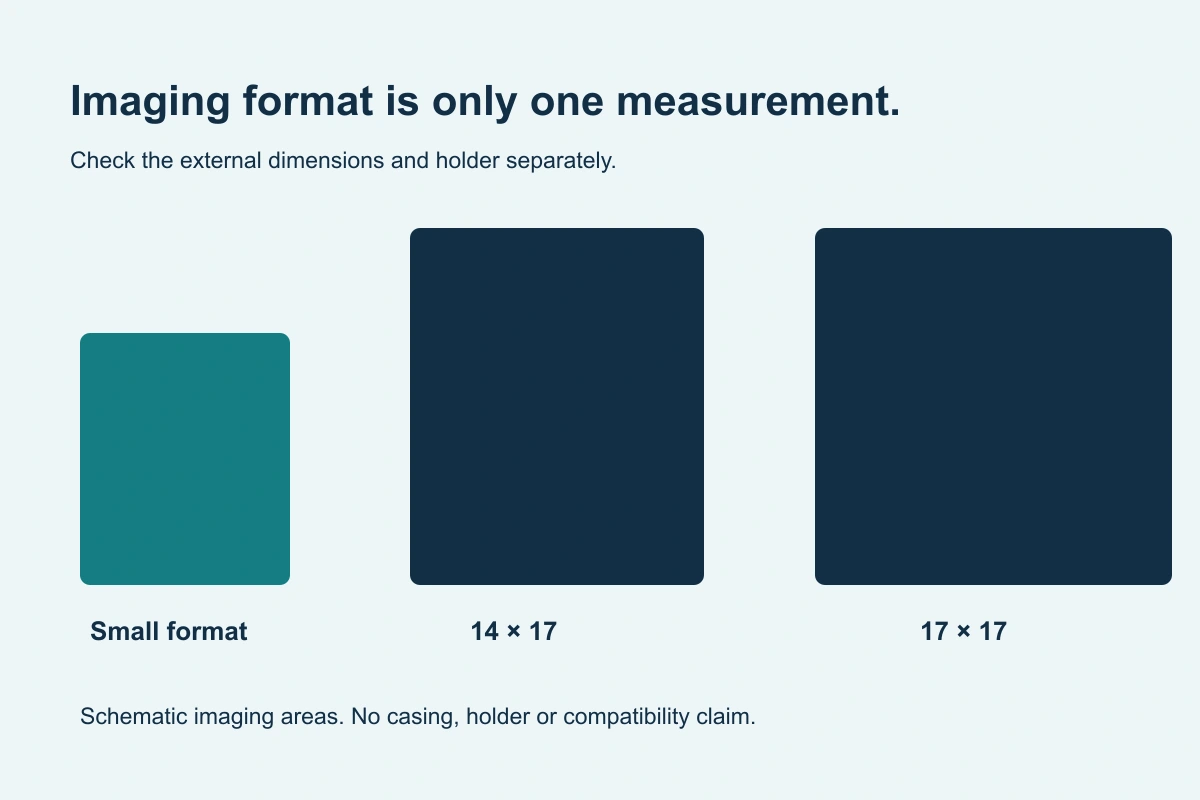
Original buying diagram; schematic, not installation instructions.
Compare imaging area and physical fit separately.
14×17, 17×17 and smaller formats describe buying categories. The detector’s external dimensions still need checking.
 Get a DR Panel Quote
Common formats are a starting point.
Manufacturer families can include 10×12, 14×17 and 17×17 imaging formats. The available sizes and connection options differ by product family. The best format for your facility depends on the intended exams, positioning and system configuration.
Technical reference: Vieworks/Medlink’s F-Series size and external-dimension specifications.
On small screens, scroll the table to compare every column.
| Nominal format | Buying discussion | Fit check |
|---|---|---|
| 14×17 | General-purpose rectangular imaging workflow | External width, length, thickness and orientation |
| 17×17 | Larger square imaging area where appropriate | Table/wall holder clearance and supported configuration |
| Small format, such as 10×12 | Application-specific smaller imaging field | Positioning, accessories and exact detector dimensions |
Imaging dimensions are not casing dimensions.
Compare the current manufacturer’s external dimensions with the holder or tray requirements. Corners, handles, battery housings and protective accessories can affect fit. Record the table and wall-stand models and any unusual positioning needs.
For a replacement, send the current detector model rather than only its nominal size. That helps identify the actual physical configuration and supported acquisition setup.
Choose by application, then confirm the model.
Tell GSI what the detector will be used for, whether it needs to move between positions and what equipment you already own. Avoid selecting a panel solely because a size appears in a search result; the final quote should name the model and the installation assumptions.
Questions before you buy
Not necessarily. The nominal imaging format and external casing dimensions are different specification fields. Use the exact model’s current dimensions.
Choose for the intended application and installed workflow. Larger imaging area alone does not establish compatibility or suitability.
Keep the buying decision moving.
DR panel compatibility
The useful compatibility question is whether the complete proposed configuration works for your facility.
Learn more →Compare DR panels
Use a consistent checklist for the hardware, acquisition workflow, installation and support.
Learn more →Let’s scope the panel for your system.
Send your facility ZIP and the equipment details you have. GSI Solutions can discuss the supported configuration and installation arrangement.
Get a DR Panel QuoteNeed a starting point? Check the compatibility checklist