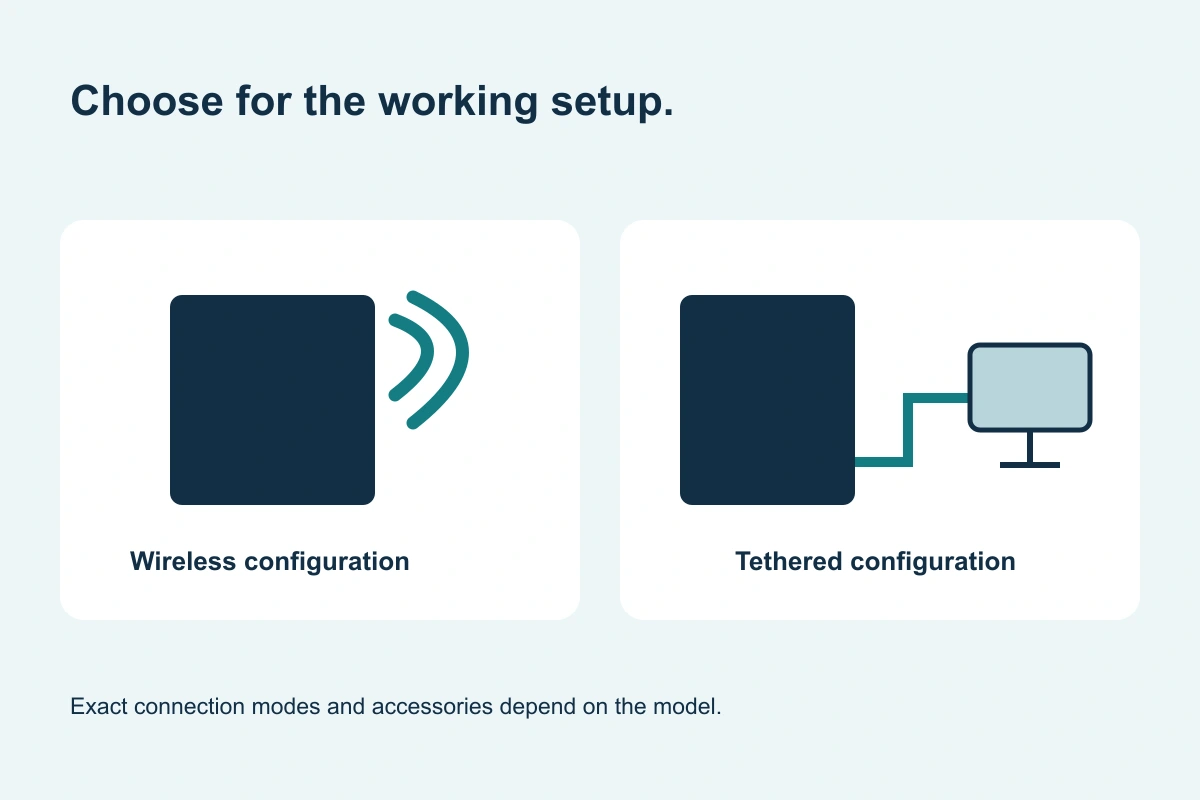
Wireless or tethered: compare the working setup.
The choice should follow positioning, handling and integration requirements.
Original buying diagram; schematic, not installation instructions.
Start with positioning.
A dedicated panel position and a frequently moved detector present different buying priorities. Wireless configurations can offer flexibility, while a tethered configuration needs a considered cable route. Neither label establishes the complete software, physical fit or installation requirements.
On small screens, scroll the table to compare every column.
| Question | Wireless | Tethered |
|---|---|---|
| How does it connect? | Confirm supported wireless modes and any wired fallback | Confirm supported cable/interface configuration |
| What supports daily use? | Charging, batteries, storage and connection routine | Cable reach, movement and storage |
| Can it move between systems? | Only when the platform and setup support sharing | Depends on the detector and installed configuration |
| What is included? | Check software, access point and charging accessories | Check software, cables and mounting accessories |
Avoid shorthand assumptions.
Wireless is not a guarantee of universal system sharing. Tethered is not a guarantee of a permanently fixed panel or a lower total price. Some detector families support more than one mode; confirm the exact model and the package you are considering.
Evaluate the whole quote.
Include workstation, license, image-transfer configuration, accessories, commissioning and training in the comparison. Ask how the proposed setup supports the facility’s existing operating routine. Product protection and battery figures should be read in the current model documentation.
Choose a configuration you can support.
Describe where the detector will sit, who will move it, how it will be charged or connected and which system will acquire the images. Those facts help GSI assess the choice. A good quote explains the proposed workflow rather than relying on a single feature label.